
Mdm Injection 1.2.0- Empowering Device Management - Technical Computer Solutions Jun 2026
MDM Injection 1.2.0 comes with a wide range of features that make it an ideal solution for device management. Some of the key features of this solution include:
The platform can automatically inject backup policies, ensuring that critical device data is regularly synchronized with corporate storage (OneDrive, Google Drive, or on‑premises servers). Sensitive data can also be selectively removed during decommissioning.
Conclusion MDM Injection 1.2.0 shifts device management toward declarative, secure, and staged deployments—improving predictability and scalability but requiring stronger operator controls, attestation, testing, and observability to manage the increased power and potential risk.
While these tools can recover orphaned corporate devices, using them to bypass legitimate anti-theft mechanisms (like iCloud Activation Lock or Android Factory Reset Protection) on unverified hardware breaches manufacturer terms of service. Technical computer solutions providers emphasize using this tool strictly alongside valid proof of ownership documentation. Step-by-Step Implementation Workflow MDM Injection 1
During the initial device configuration wizard, the utility intercepts the network handshake between the local machine and the cloud enrollment server. By feeding the operating system a modified response, it fools the device into believing it is not part of an enterprise deployment program, allowing the user to create a standard, unmanaged local account. 2. Framework Modification
by Technical Computer Solutions! This update is all about giving IT administrators more precision, faster deployment, and tighter security over their device fleets.
At its core, MDM Injection refers to the process of embedding device management frameworks directly into a operating system's system-level directory or boot sequence. Standard MDM enrollment relies on user-initiated installation profiles or cloud-based enrollment programs like Apple Business Manager (ABM) or Android Enterprise Zero-Touch. Conclusion MDM Injection 1
Standard vulnerability scanners rarely understand MDM communication protocols like SCEP, APNs, or WSTEP. This tool fills the gap by directly testing the logical flaws unique to device management architectures. Hardening Enrollment Pipelines
MDM Injection 1.2.0 represents a highly effective technical solution for manipulating device management frameworks. In the hands of IT administrators and researchers, it provides a valuable mechanism for testing, debugging, and recovering hardware. However, its existence highlights a fundamental truth in modern IT security: local administrative control will eventually find a way around software-level management. True enterprise security must always be anchored in identity verification and network-level compliance checks, rather than relying solely on the local device profile.
When a device falls out of compliance (e.g., missing a critical security patch), MDM Injection 1.2.0 can automatically inject the required configuration or trigger a remediation workflow, drastically reducing mean time to repair. complex deployment scenarios. Legacy Hardware Re-purposing
Low-level enrollment profile placement compatible with Apple’s security framework.
The release of MDM Injection 1.2.0 underscores our commitment at to providing tools that solve real-world problems.
While deployment bypass tools are frequently discussed in gray-hat contexts, they serve distinct purposes in controlled lab environments:
The 1.2.0 release brings critical updates aimed at stability, speed, and cross-platform compatibility. Technical computer solutions providers have optimized this build to address the hardening of modern mobile operating systems. 1. Enhanced Android Recovery Integration
MDM Injection 1.2.0 is not a standard consumer application; it is an enterprise-grade toolkit tailored for specific, complex deployment scenarios. Legacy Hardware Re-purposing
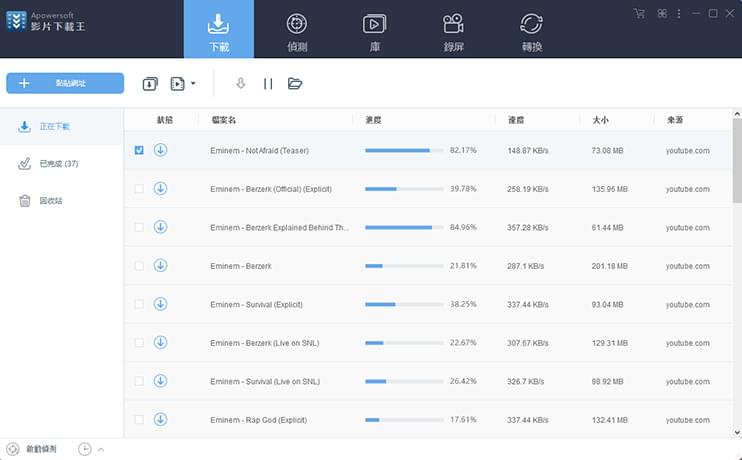

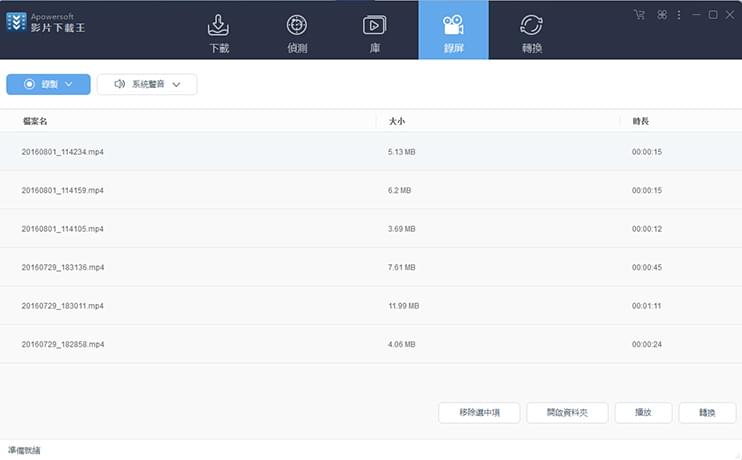


下載王好好用!常用網站差不多都可以下!點讚